 Chobial
Make your own film.
See it live. Develop any photo with it, any time.
Apple's film looks stop at HEIF. Chobial's work on RAW — and they're yours. Every frame is kept as a negative, so the film you make next year still develops the photo you took today.
iPhone · iOS 26 · Apple Watch companion · Free to shoot, develop and make films
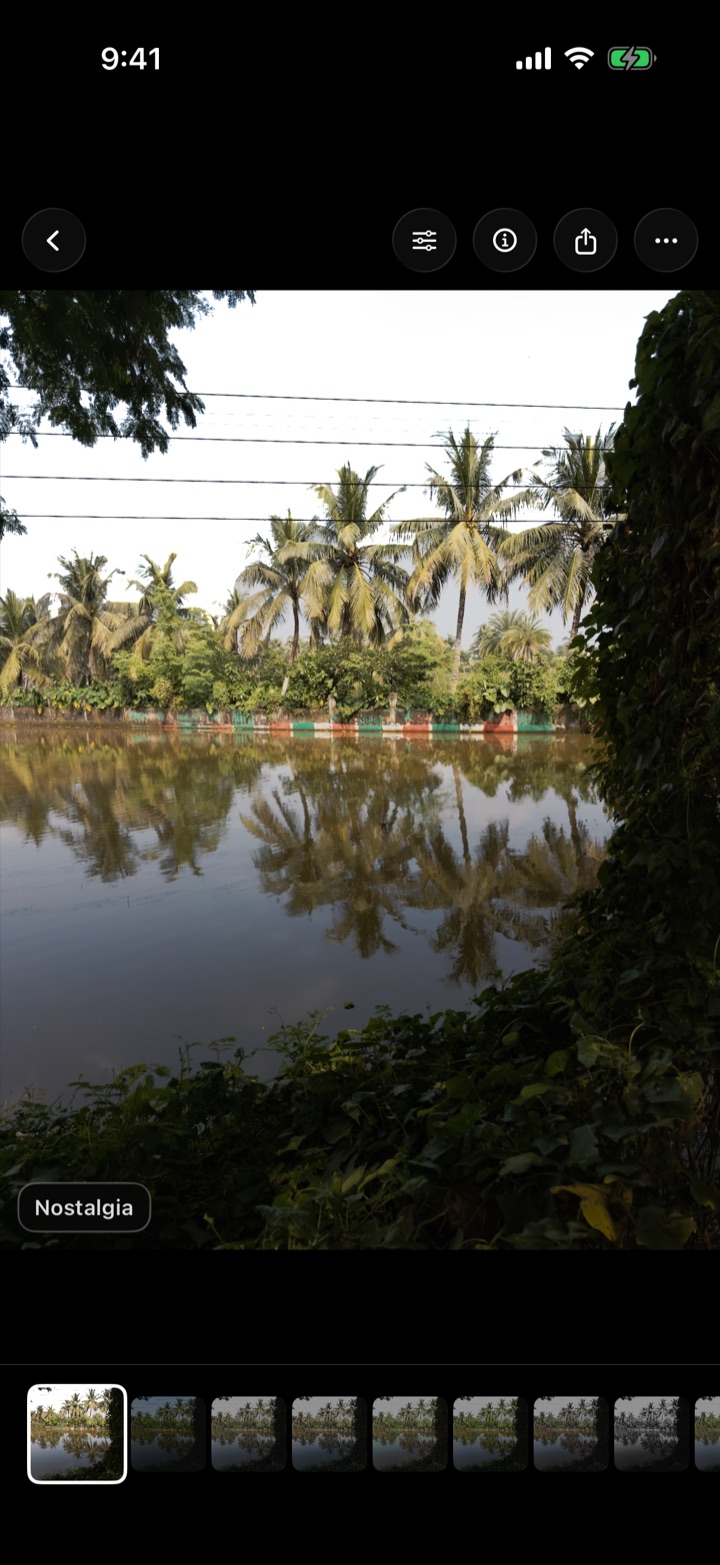
Film, live in the viewfinder
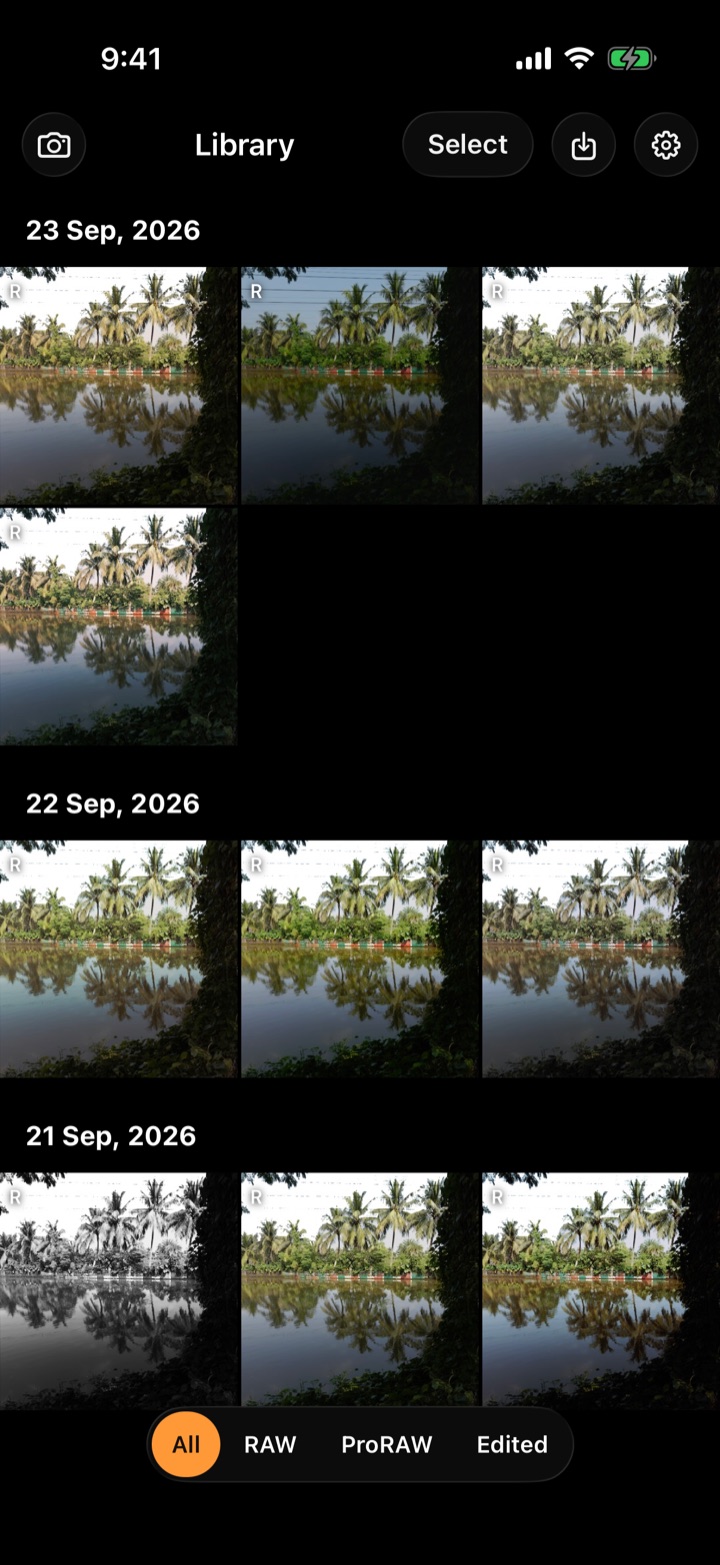
Pick a film and the viewfinder develops with it as you frame. Compose in the look instead of hoping for it. Hold the viewfinder to peek without it.
Every frame is a negative
Chobial always shoots RAW — ProRAW on Pro iPhones, sensor RAW on the rest. Nothing is baked in: develop any photo again with any film, including ones you make later.
Films of your own
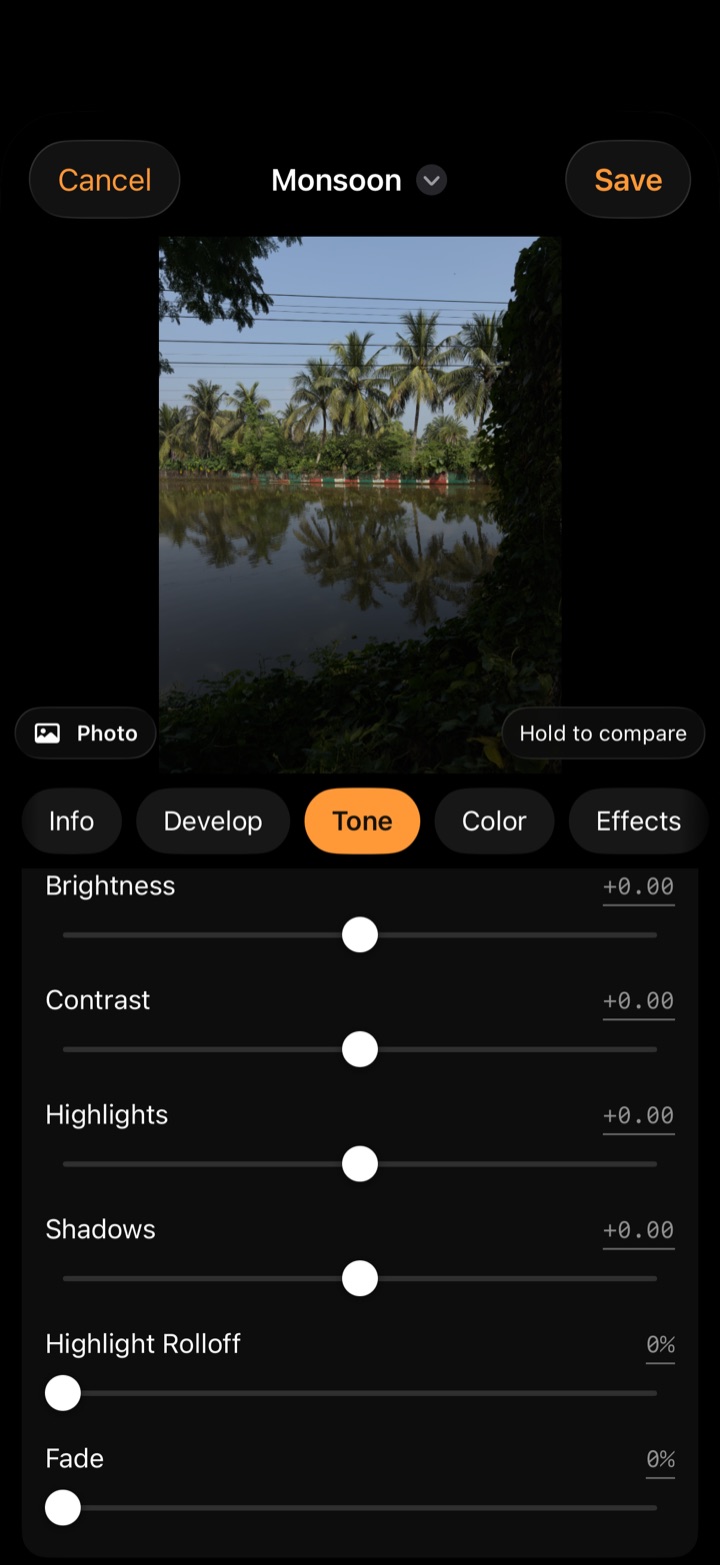
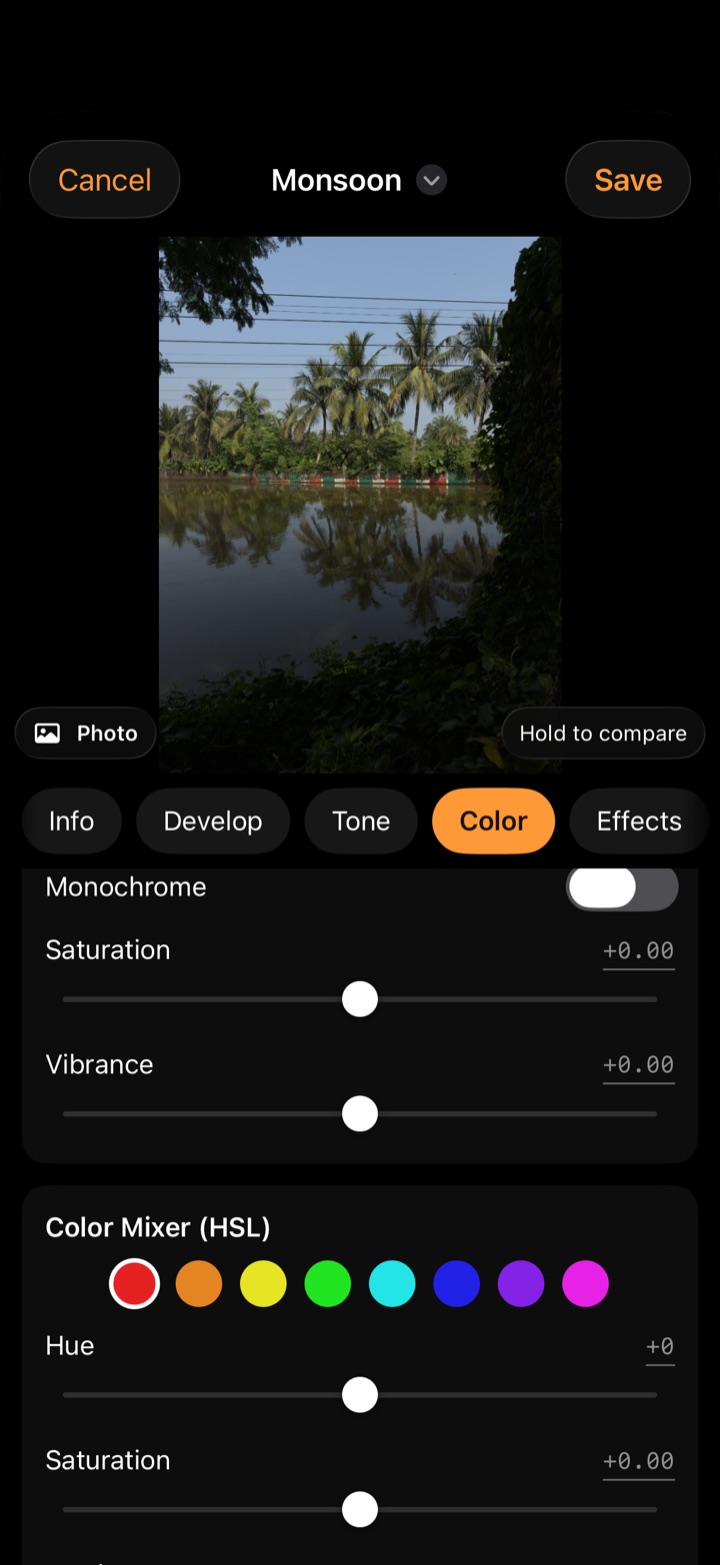
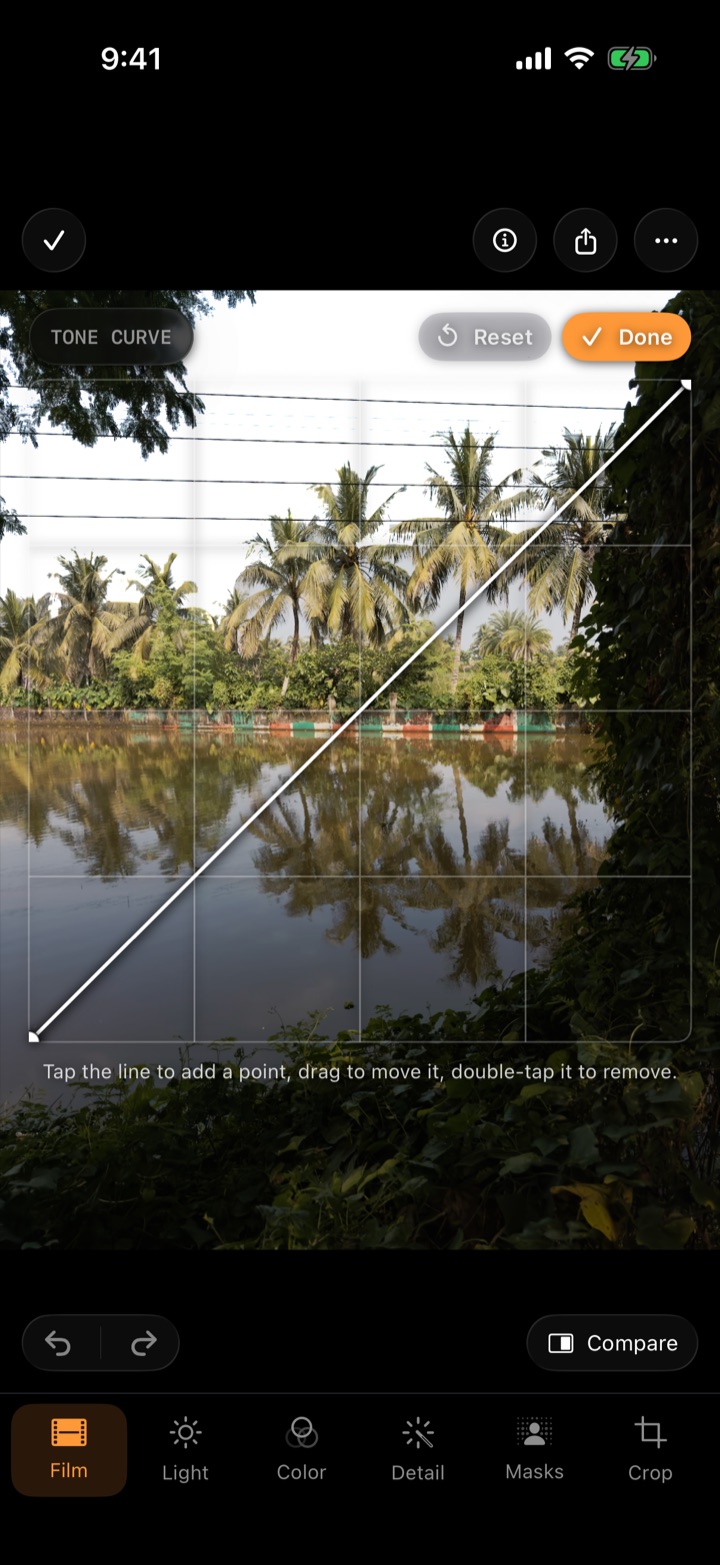
Real film controls — curves, an 8-band colour mixer, grain modelled on real stocks, halation, bloom. Or bring in a .cube LUT. Then share it as a QR code.
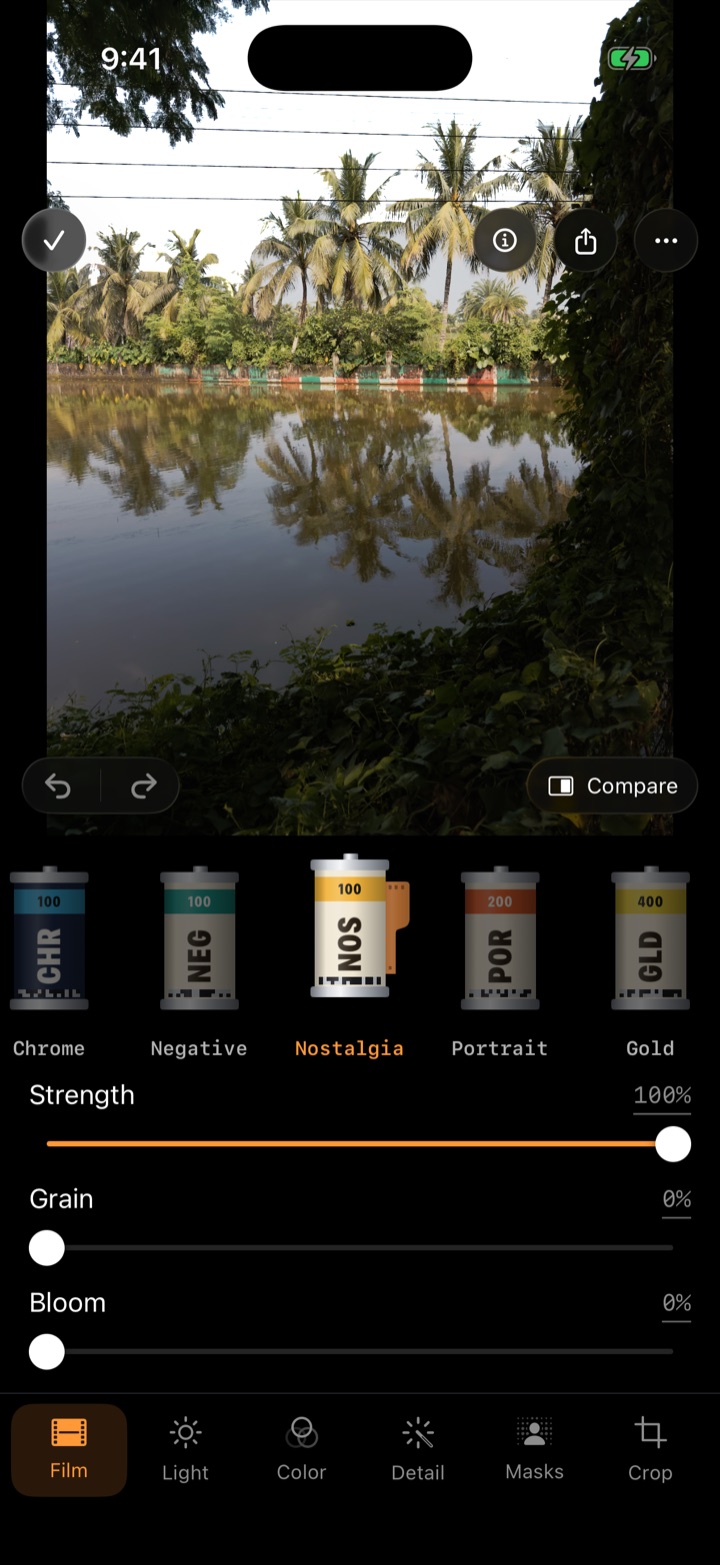
One negative. Fifteen films. Or yours.
This is one RAW frame, developed with Chobial's built-in films. Drag to compare against the clean develop — then pick another film. In the app it takes one tap, on any photo you've ever taken.
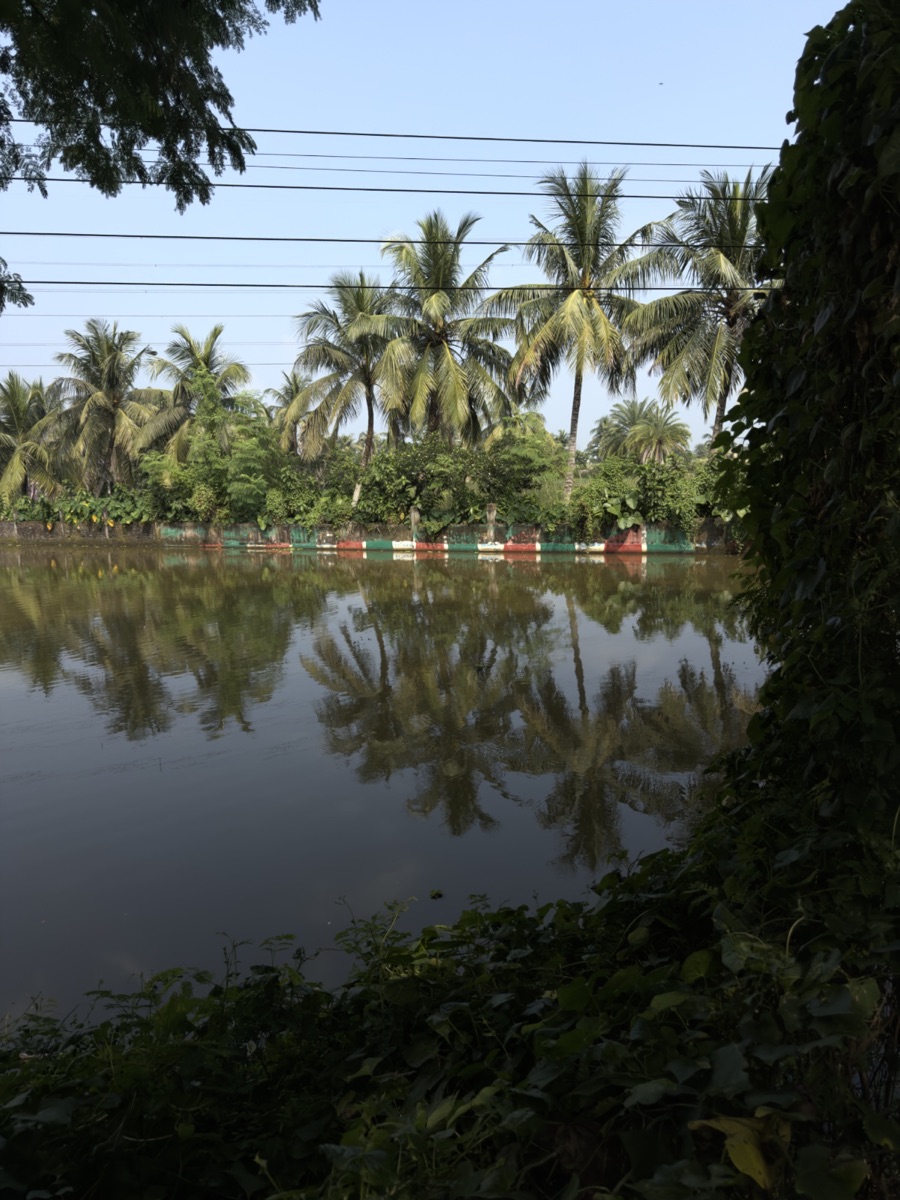
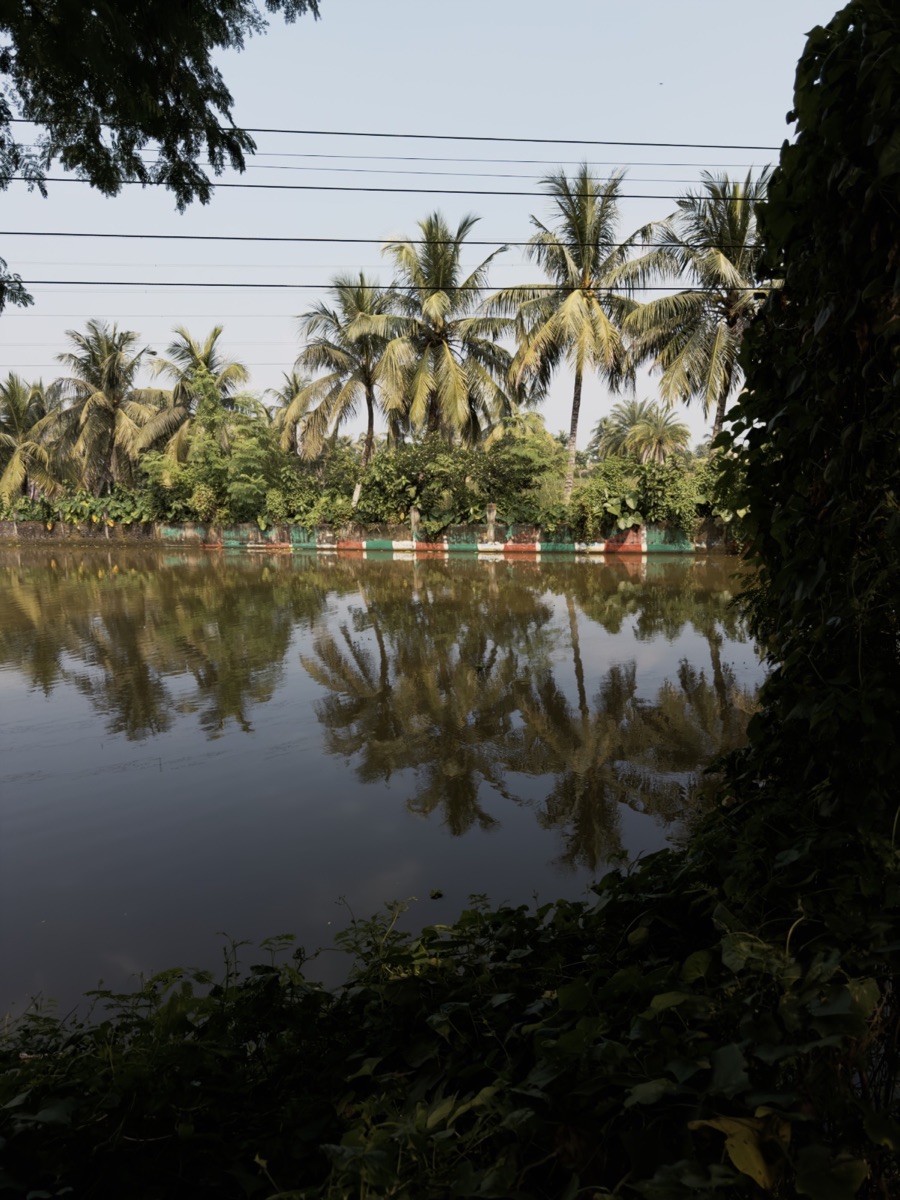 NeutralNostalgia
A real camera, a real darkroom.
Shoot with manual control, develop with film you made, edit only the part that needs it.
Author the look — not just pick one.
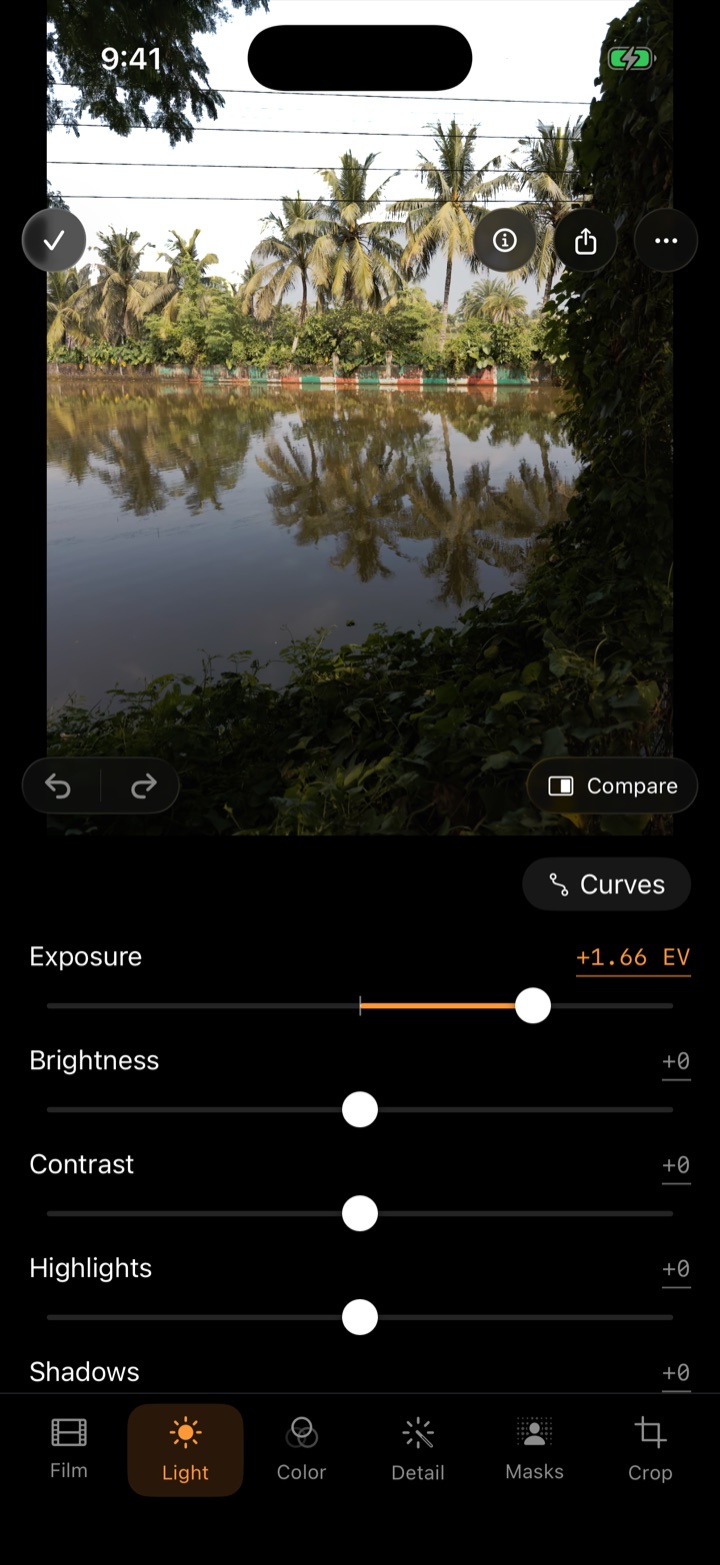
- Develop & Tone — brightness, contrast, highlight rolloff, fade, and curves for master and RGB.
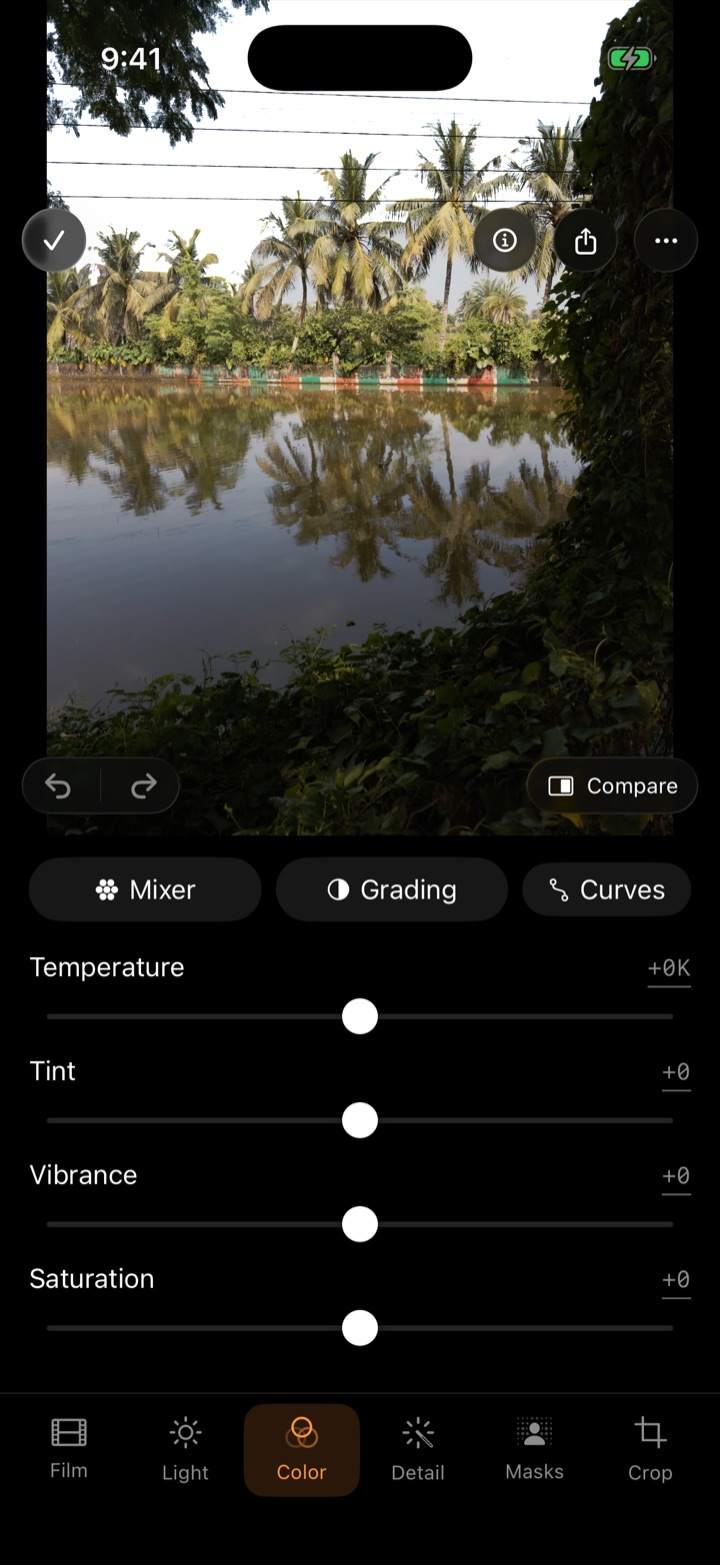
- Color — 8-band mixer, split toning, channel mixer, monochrome with colour filters.
- Effects — grain modelled on real stocks, with shadow bias; halation; bloom; vignette.
- LUT — build on any
.cubefile, or export your film as one.
Every change previews live on a real photo, and every film works in the viewfinder too.
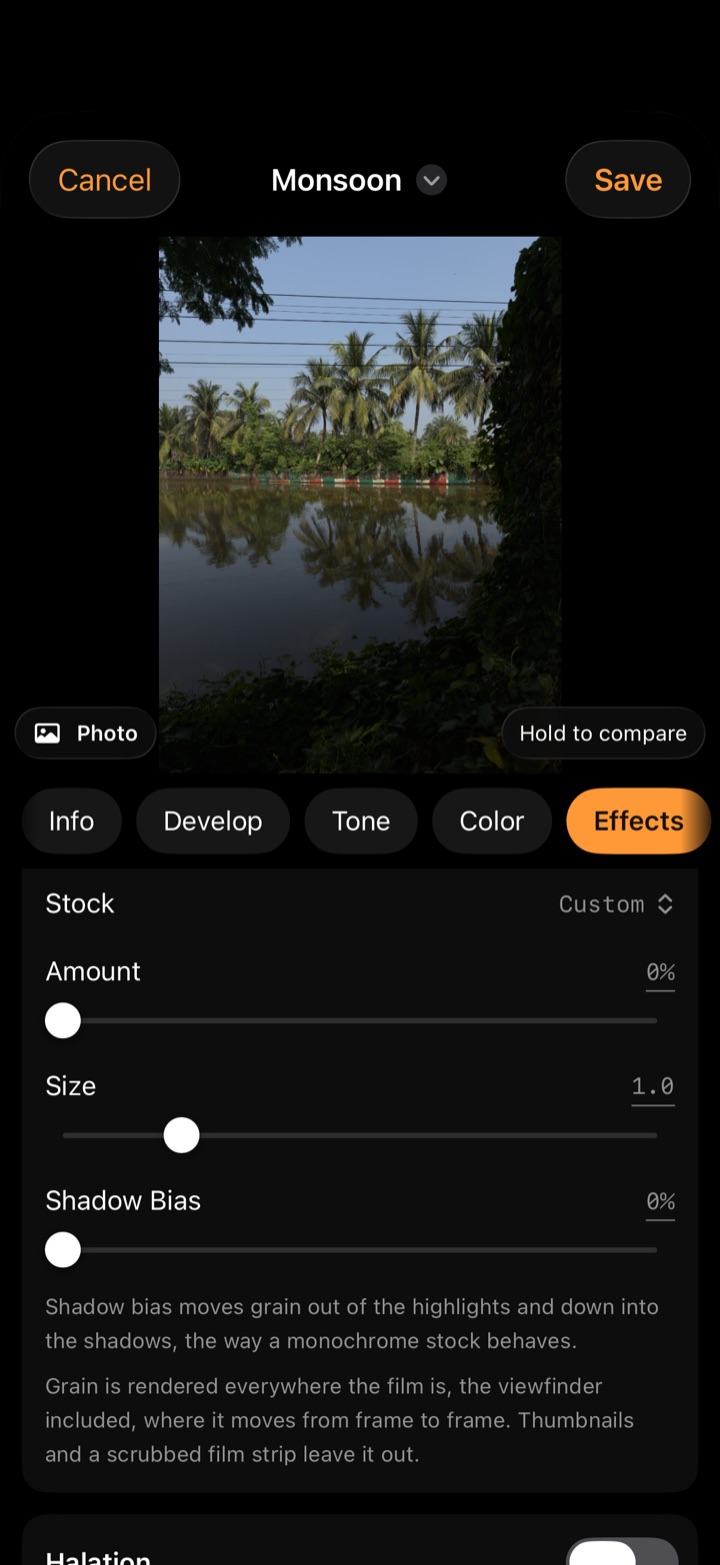
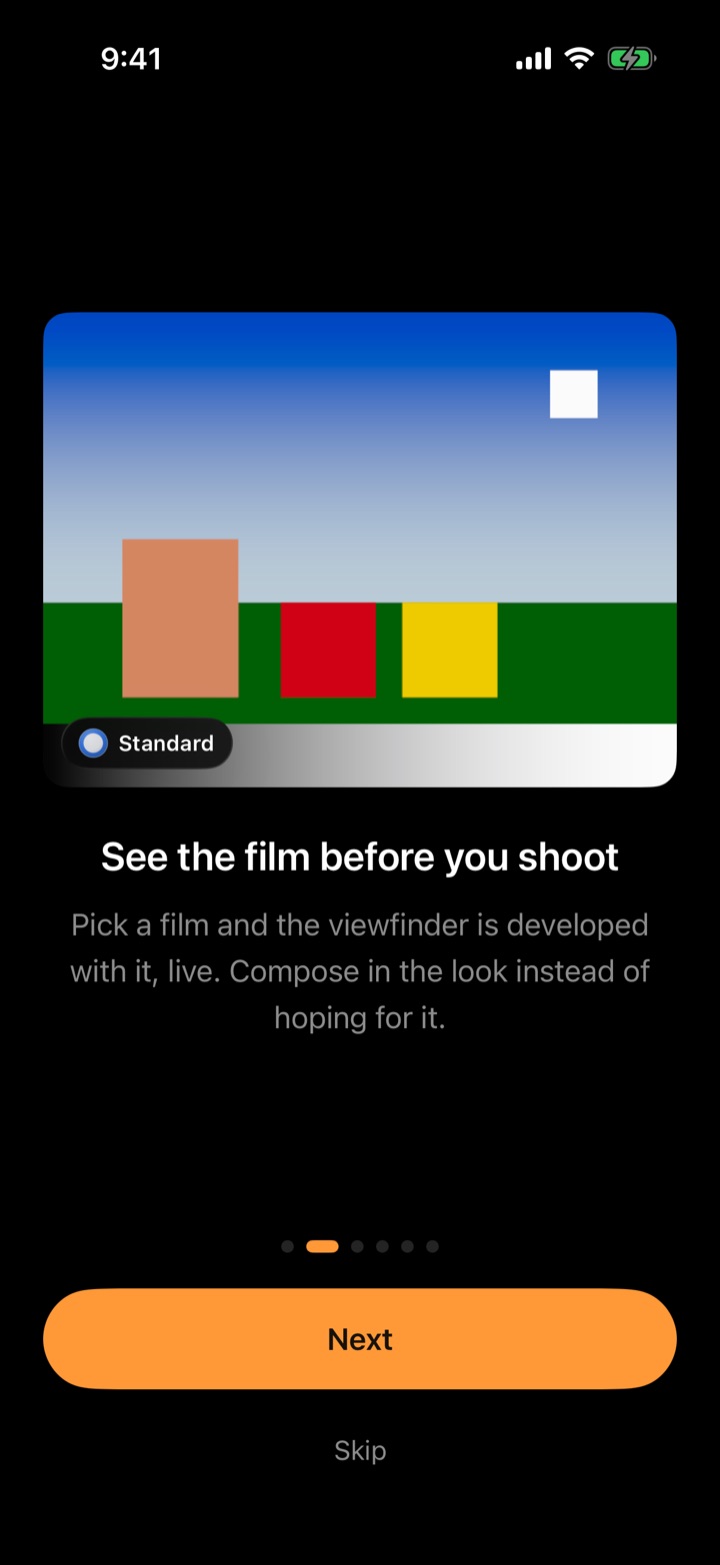
Your film, as a QR code.
A whole film fits in a small, fast-scanning code. Post it, print it, show it on your screen — anyone with Chobial scans it and has your film. Codes work from a screenshot too: Scan from a Picture.
- Film Code — a QR card with your film's cassette.
- Share Film — a
.chobialfile for Messages, Mail or AirDrop, LUT included. - Submit to Chobial — the best films ship in the app, credited to you.
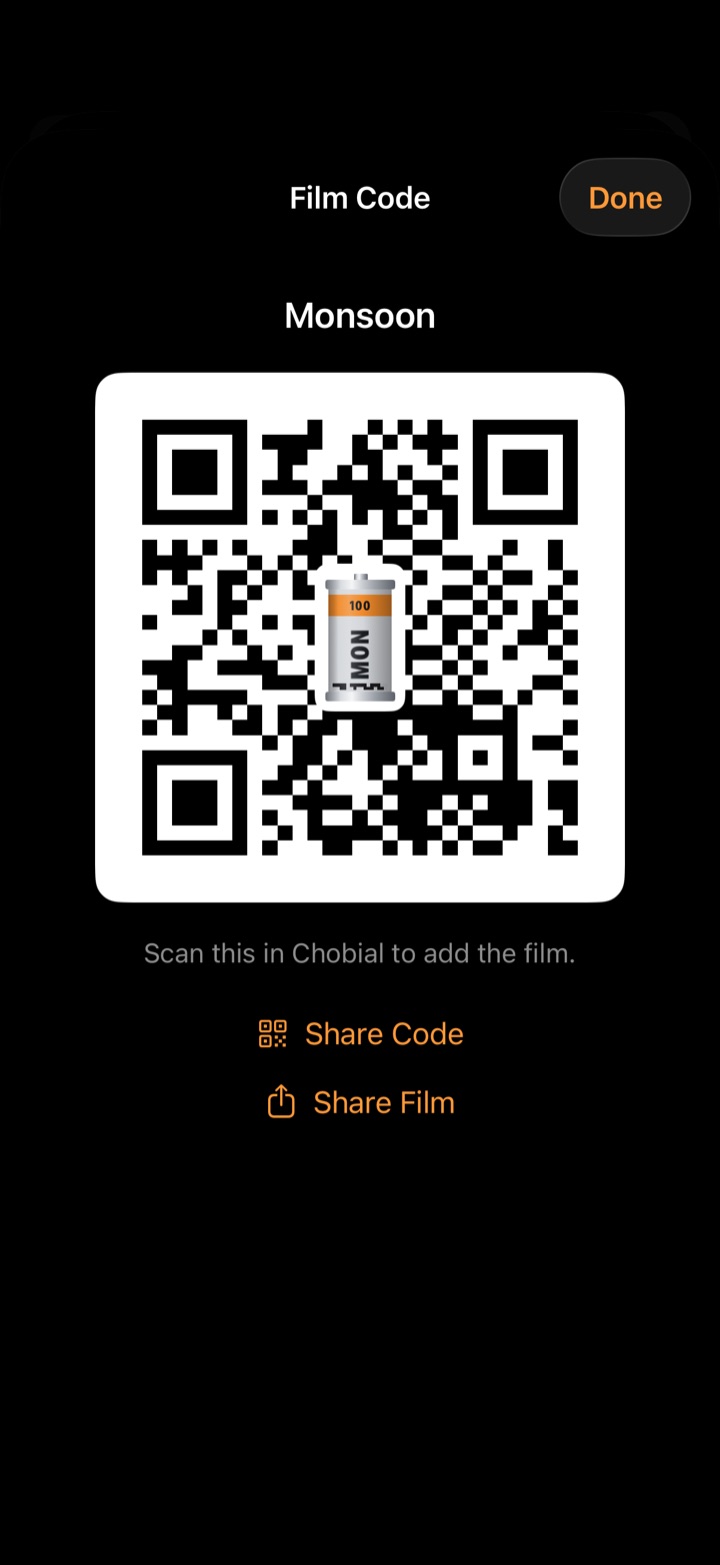
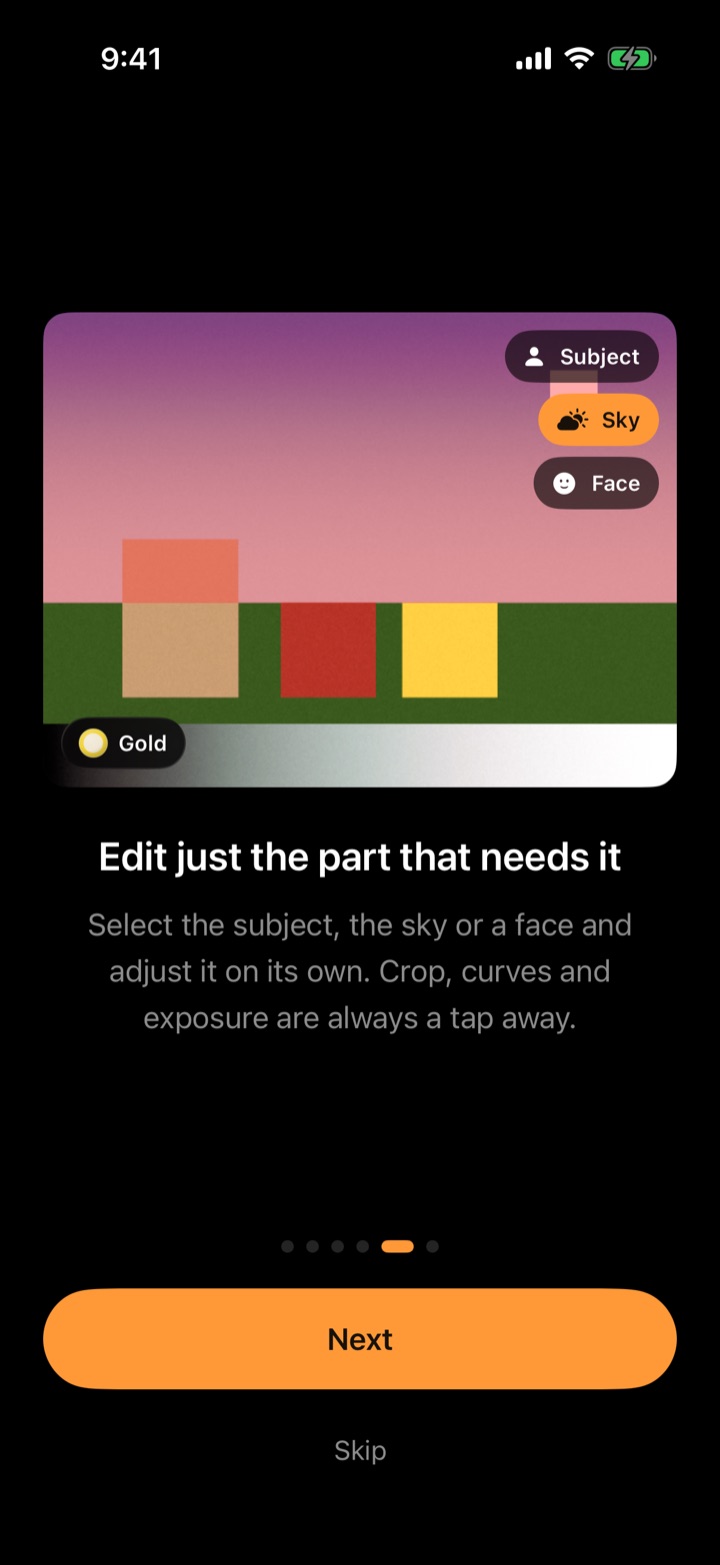
Edit just the part that needs it.
Select the Subject, Sky, Background, People, or a single face — automatically. Add, subtract and invert masks, and give each its own exposure, contrast, highlights, shadows, colour, clarity and dehaze.
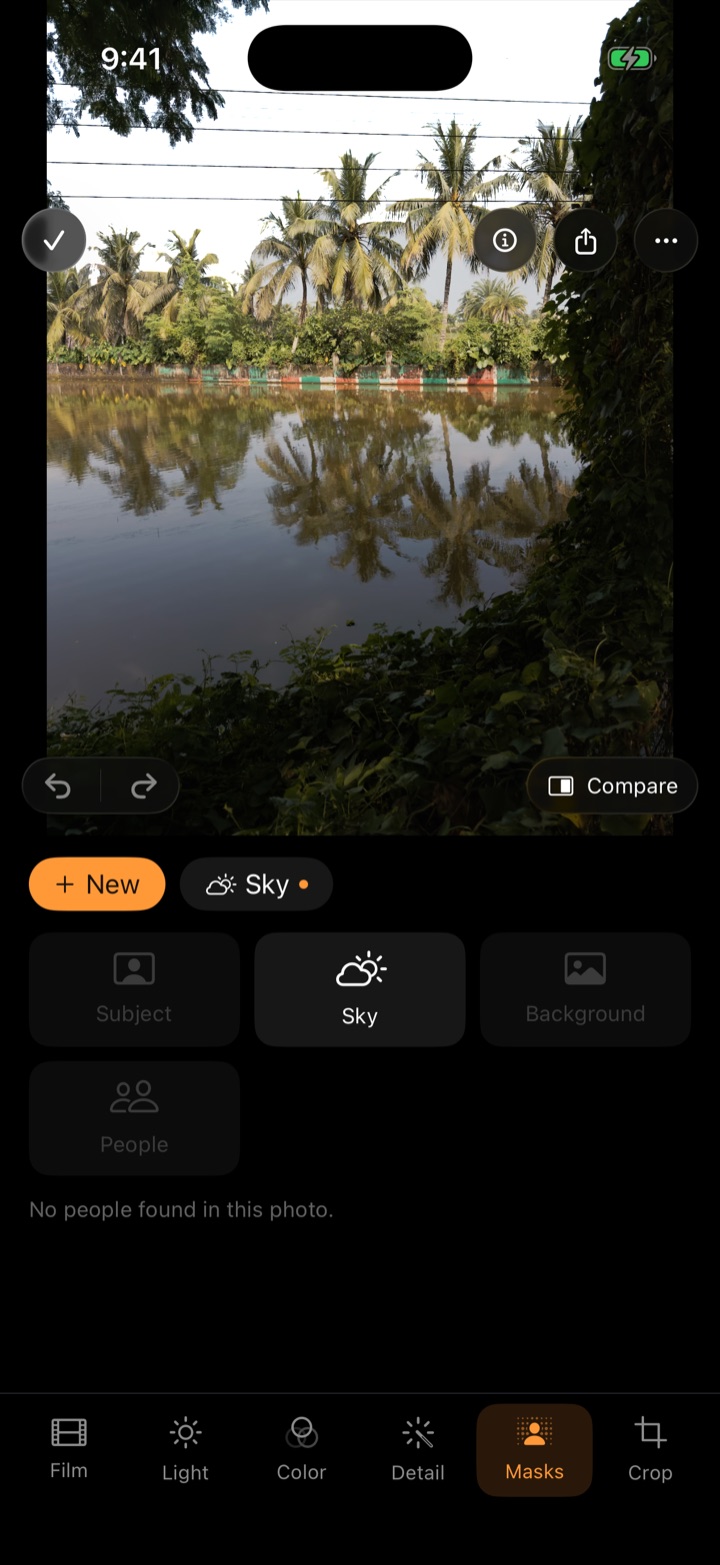
Your negatives, by day.
Filter by RAW, ProRAW or edited. Import RAW files from your other cameras — Fujifilm, Sony, Canon, Nikon, Panasonic and more — and develop them with the same films. Negatives live in the Files app, where you can always reach them.
P · S · ISO · M
Program, shutter priority, ISO priority and full manual, with exposure compensation in third stops.
Histogram & zebras
Live RGB histogram, zebra stripes at an adjustable clipping threshold, grid and level.
Manual focus
Focus from near to infinity with a loupe and focus peaking. Subject tracking follows people and pets.
White balance
Presets, Kelvin from 2500 to 10000 K, and grey-card measurement.
Frame lines
4:3, 3:2, 1:1, 16:9 and the 65:24 panorama. The full sensor is always kept, so framing stays editable.
Camera Control
Click to shoot. Light-press to choose film, exposure, ISO or shutter, and slide to change it.
Lock Screen
Shoot from the Lock Screen or Control Center without unlocking, on any built-in film.
Apple Watch
A remote shutter with a framing preview and a 3 or 10 s timer, your films, and recent shots.
iCloud
Your films and settings follow you to every iPhone you own.
Siri & Shortcuts
“Take a photo with Chobial.” “Load Gold in Chobial.”
Honest export
JPEG or HEIC at full resolution — the export menu shows the exact pixels you'll get. Or the original DNG.
No AI, no account
Films are colour science, not generated pixels. No sign-up, no tracking.
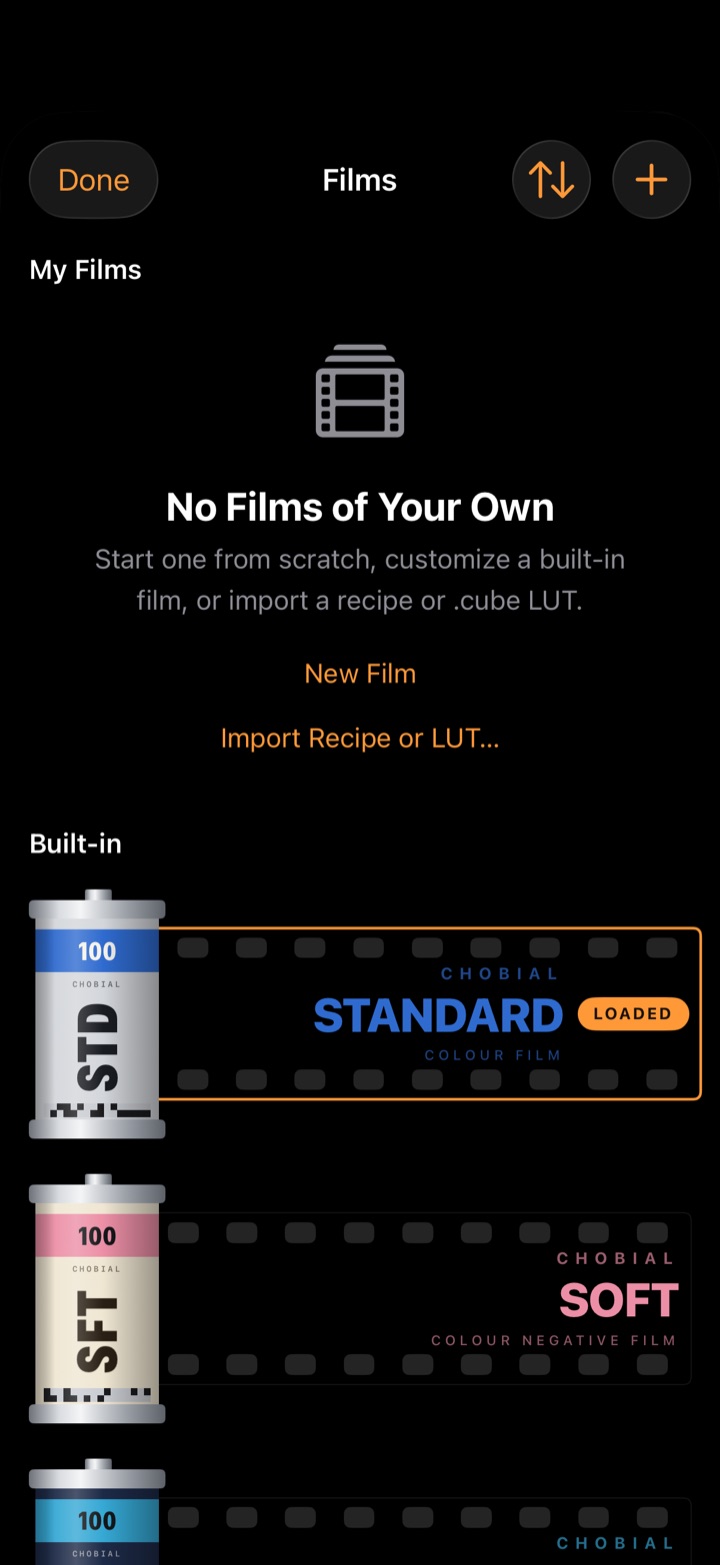
Fifteen films to start from.
Eleven colour and four black & white, built on the RAW data — then tune any of them into a film of your own. All shown here on the same negative.
A closer look.
Keep the photo.
Everything you do inside Chobial is free. Pro is for getting the picture back out — so you can try it all on your own photographs first.
Free, permanently
No time limit, no watermark, no account.
- Shooting RAW and ProRAW
- Developing on any film
- Making and editing your own films
- Sharing films as codes and files
- Editing every photo, with masks
- Browsing your whole library
Pro
Pricing announced at launch.
- Saving finished photos to Photos — JPEG or HEIC, full resolution
- Exporting the original DNG
- Batch export
Questions
How is this different from Photographic Styles?
Apple's Styles and film looks apply to HEIF only — they aren't available when you shoot RAW. Chobial's films are built to work on RAW, you can make your own, and you can change your mind later: every photo stays a negative you can develop again.
Which iPhones does it work on?
iPhones running iOS 26. Every model shoots RAW; ProRAW is used on Pro models from iPhone 12 Pro on. iPad and Mac aren't supported.
Can I use my own LUTs?
Yes. Import any .cube file and build a film on it — adjust tone, colour and grain on top. You can also export any film you make as a .cube for other apps.
Does it shoot video?
No — Chobial is a stills camera.
Do my photos sync through iCloud?
Your films and settings sync. Photos stay on the iPhone that took them; you can export them to Photos, or find the RAW negatives in the Files app.
Does it use AI?
Films are colour science and film physics — curves, colour transforms, grain, halation — applied to your RAW data. Masks find subjects, skies and faces on the device to select areas; no pixels are generated.
Chobial is coming to the App Store.
Launching soon for iPhone. Want a TestFlight invite or a press copy? Write to us.